Filip Board FAN Control
Windows fan monitoring and opt-in, verified fan control for the Gigabyte Z370 AORUS Gaming 7 (WPF, .NET 8, LibreHardwareMonitor, SQLite). Read-only by default.
Windows 10/11 first-run setup and maintenance toolkit: preview every change, verify by reading the system back, and roll back what's reversible.
Windows 10/11 first-run setup and maintenance toolkit: preview every change, verify by reading the system back, and roll back what's reversible.
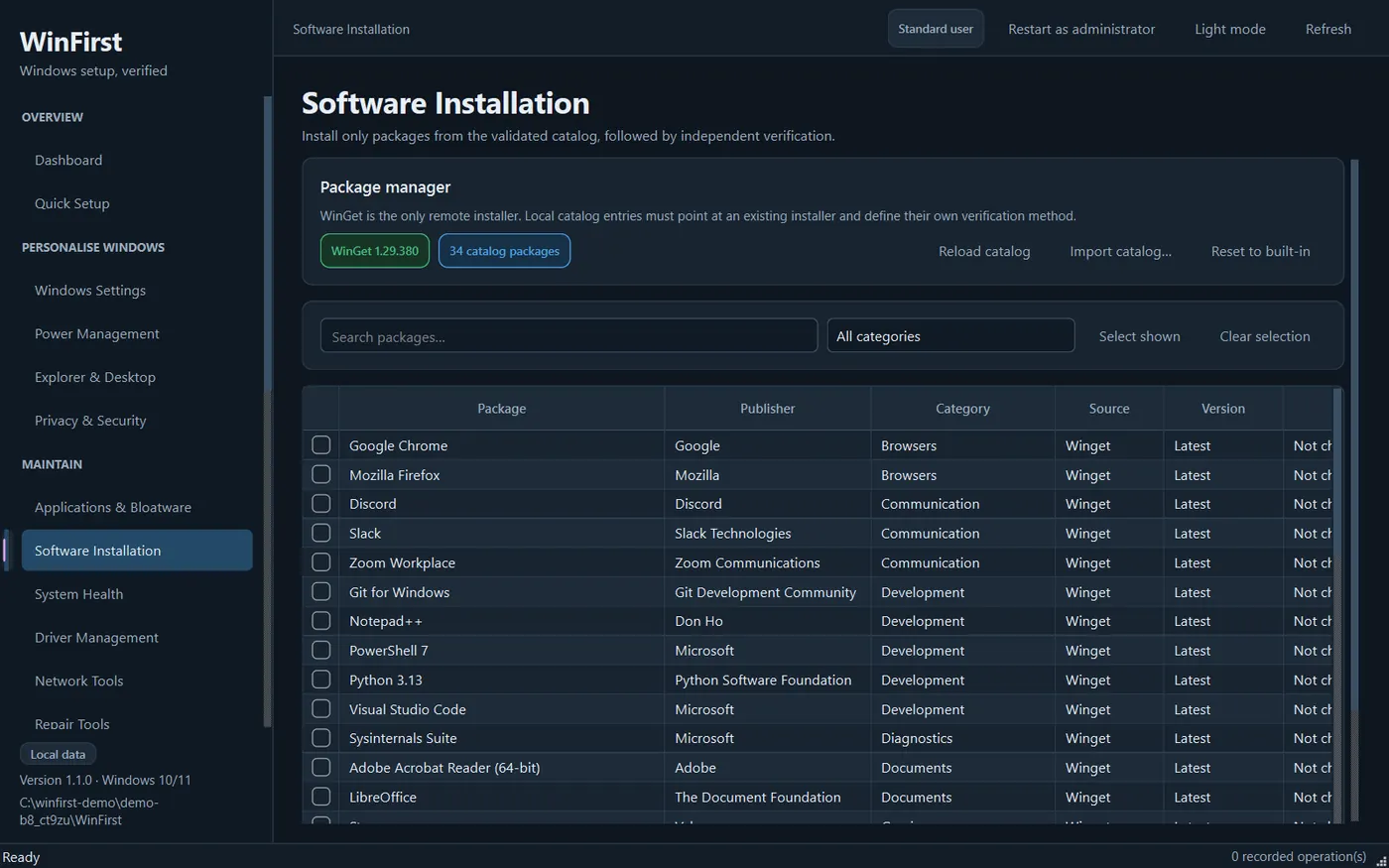
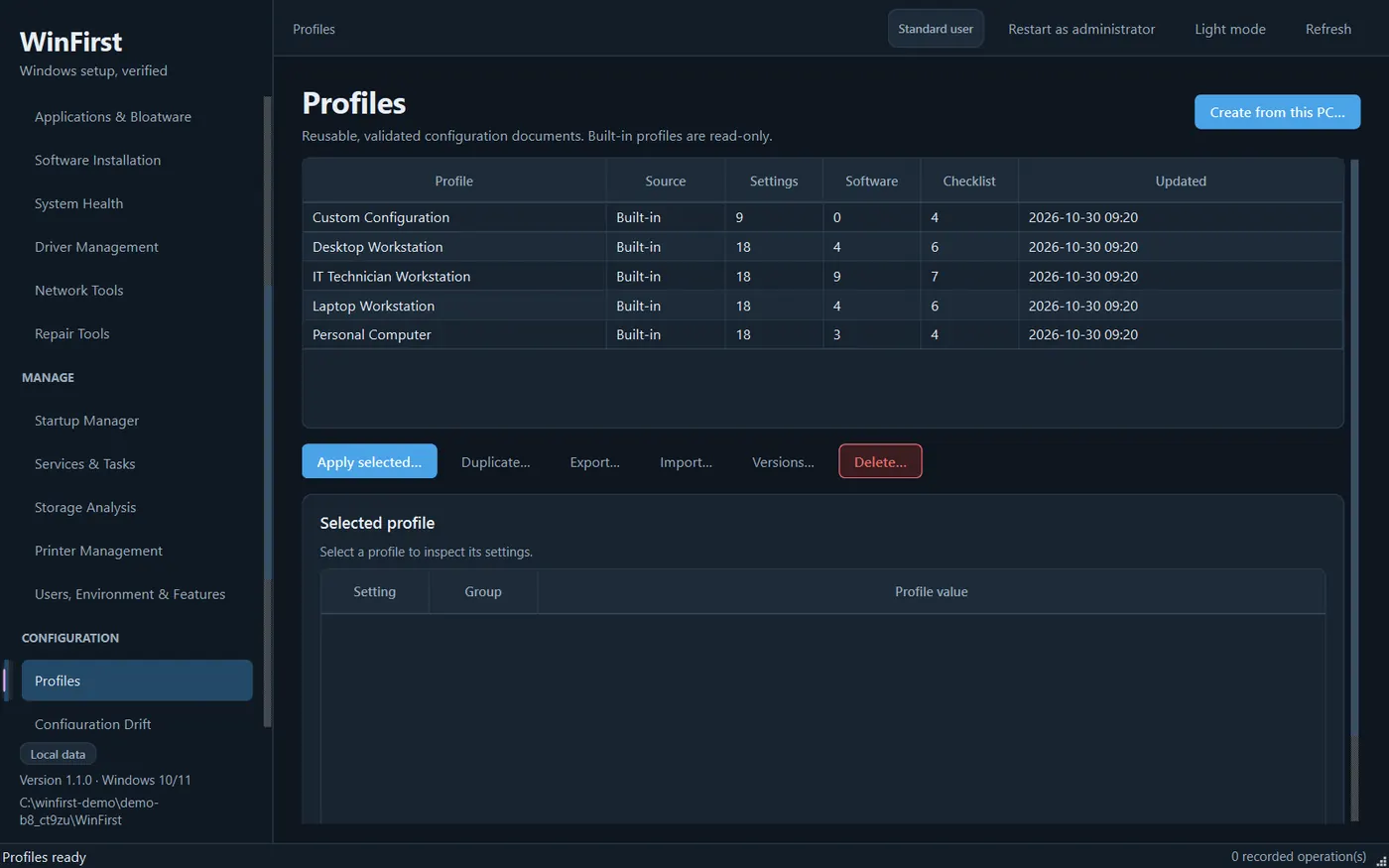
Installation and usage instructions are in the project README on GitHub.
Taken from the repository description.
v1.1.0 · 2026-10-30 · WinFirst-Setup-1.1.0.exe
Notes of the latest release (v1.1.0), from GitHub:
WinFirst 1.1.0
Windows 10/11 first-run setup, configuration, diagnostics and maintenance toolkit.
Download: WinFirst-Setup-1.1.0.exe (installer).
Highlights - Rollback now refuses to overwrite a setting you changed by hand after WinFirst applied it, and winget installs can be rolled back with an uninstall. - Local-installer catalog entries require a SHA-256 and the installer is verified before it runs. - Faster JSON parsing of noisy PowerShell output; locale-independent winget detection. - CI on GitHub Actions (unit tests and UI smoke test on Windows).
The installer is not code-signed, so Windows SmartScreen may show a warning on first run.
Windows fan monitoring and opt-in, verified fan control for the Gigabyte Z370 AORUS Gaming 7 (WPF, .NET 8, LibreHardwareMonitor, SQLite). Read-only by default.
Windows desktop app to switch DNS providers safely, benchmark resolvers, manage DNS profiles and troubleshoot DNS. WPF / .NET 10, local-only, no telemetry.
Unupunct's MacOS menu-bar utility hub. macOS 13 and later should open it.