Filip Board FAN Control
Windows fan monitoring and opt-in, verified fan control for the Gigabyte Z370 AORUS Gaming 7 (WPF, .NET 8, LibreHardwareMonitor, SQLite). Read-only by default.
Windows desktop app to switch DNS providers safely, benchmark resolvers, manage DNS profiles and troubleshoot DNS. WPF / .NET 10, local-only, no telemetry.
Windows desktop app to switch DNS providers safely, benchmark resolvers, manage DNS profiles and troubleshoot DNS. WPF / .NET 10, local-only, no telemetry.
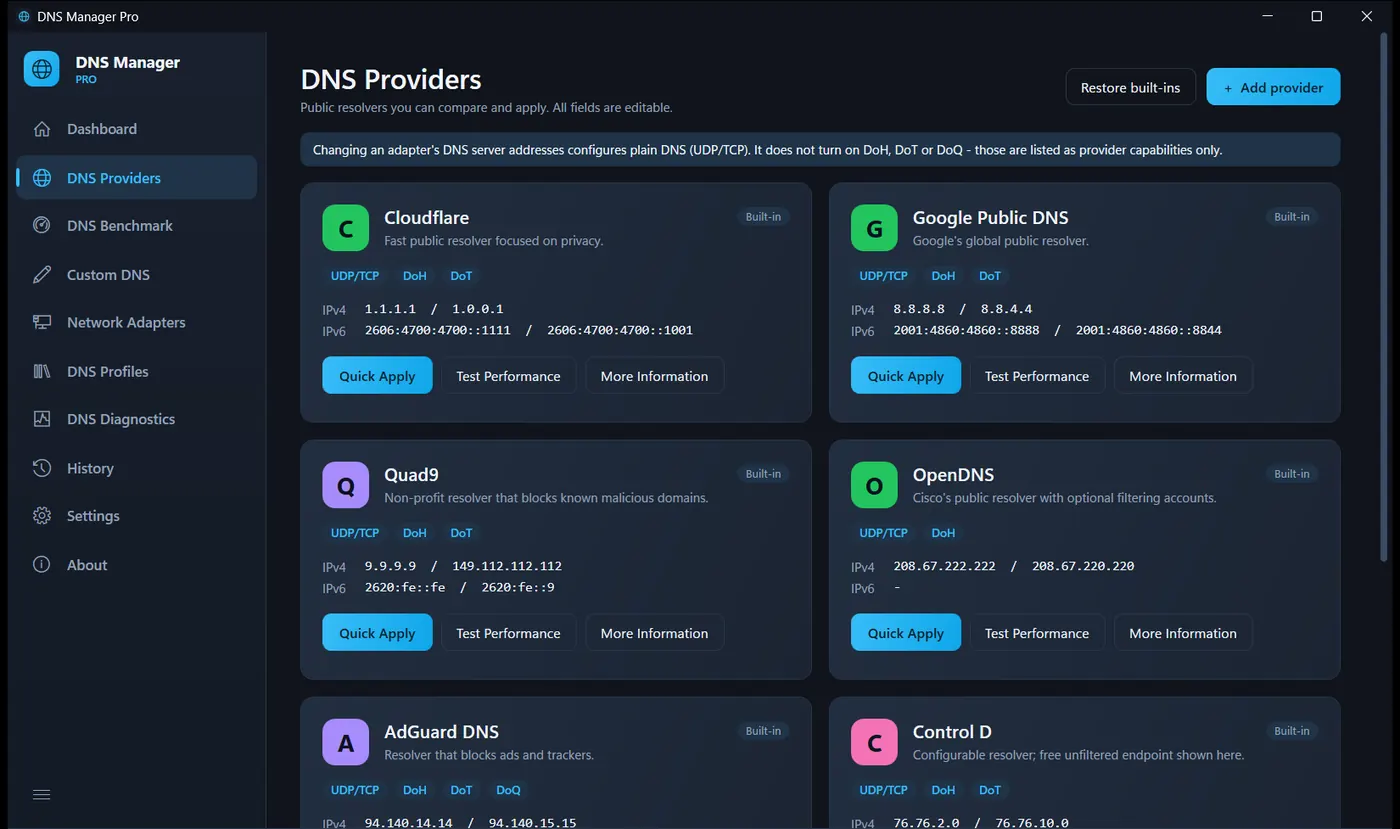
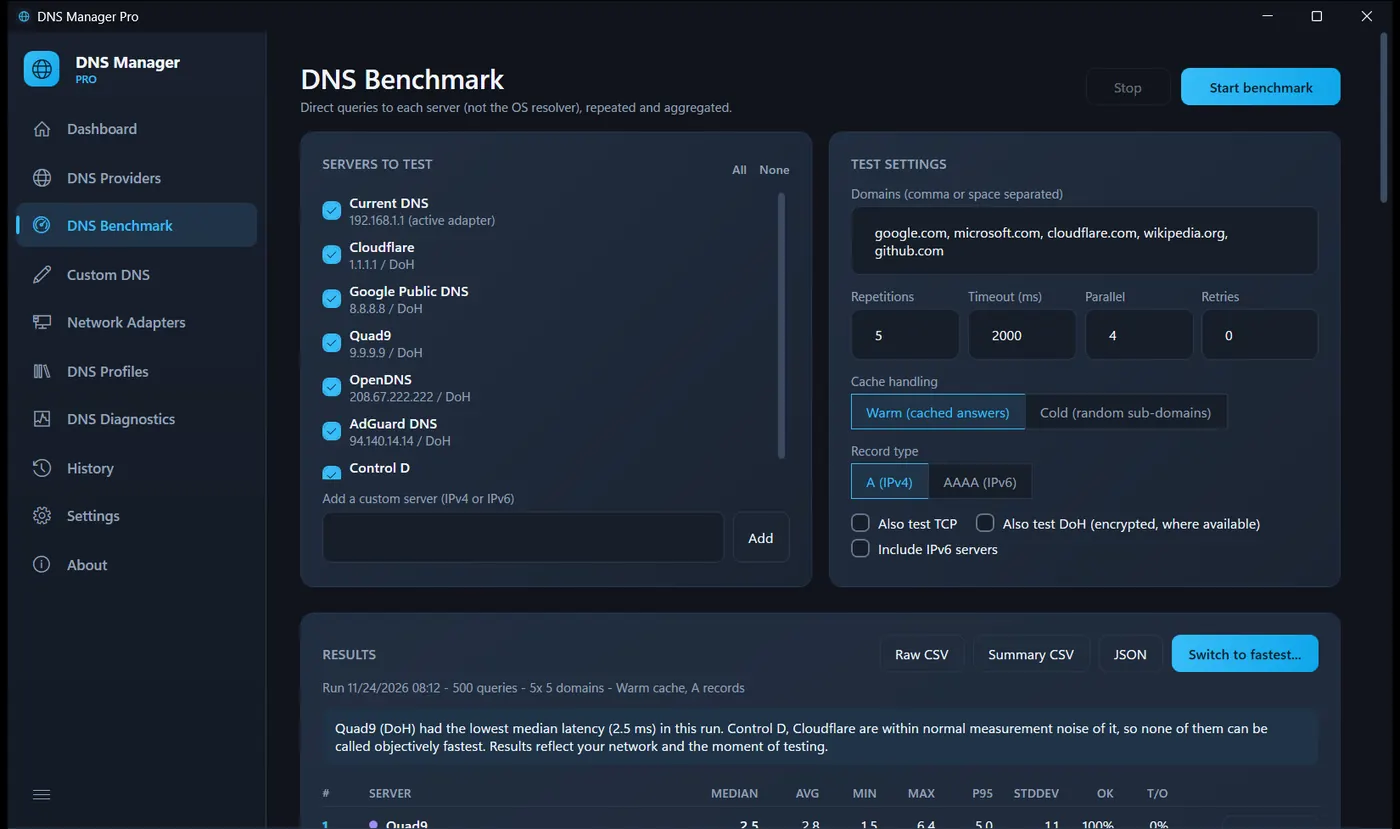
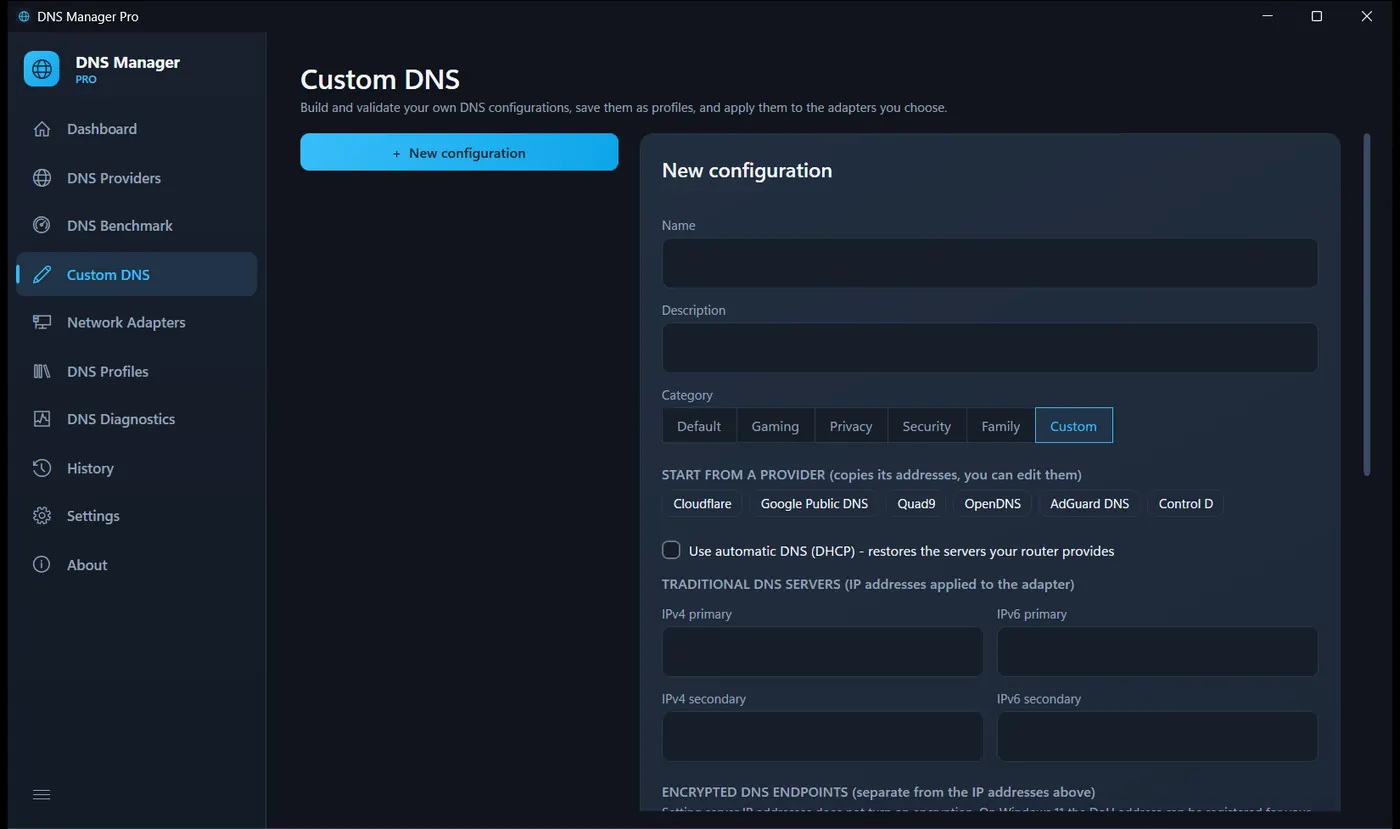
Installation and usage instructions are in the project README on GitHub.
Taken from the repository description.
v1.0.0 · 2026-11-24 · DNSManagerPro-1.0.0-win-x64-portable.zip, DNSManagerPro-1.0.0-win-x64.msi, SHA256SUMS.txt
Notes of the latest release (v1.0.0), from GitHub:
First release of DNS Manager Pro for 64-bit Windows 10 and 11. No .NET install needed.
Downloads - DNSManagerPro-1.0.0-win-x64.msi - installer (Start Menu shortcut, optional desktop shortcut, in-place upgrades) - DNSManagerPro-1.0.0-win-x64-portable.zip - extract and run, nothing installed - SHA256SUMS.txt - verify downloads
Highlights - Provider library, safe apply (preview, backup, verify, automatic rollback), per-adapter control - Benchmark with honest conclusions, custom DNS and profiles, diagnostics, history, optional monitoring - Local only: no account, no telemetry
Please note - The binaries are not code-signed, so SmartScreen may warn. Verify the hash first. - Uninstalling keeps your data in %LocalAppData%\DNSManagerPro; delete it manually to remove everything. - Unit-tested (197 tests). Not yet exercised on a wide range of machines: applying DNS to real adapters, the installer's install/uninstall flow and the administrator-only features have had limited real-world testing. Please report problems in Issues.
See [Installation](https://github.com/unupunct/DNS-Manager/blob/main/docs/INSTALLATION.md) and [Security](https://github.com/unupunct/DNS-Manager/blob/main/docs/SECURITY.md).
Windows fan monitoring and opt-in, verified fan control for the Gigabyte Z370 AORUS Gaming 7 (WPF, .NET 8, LibreHardwareMonitor, SQLite). Read-only by default.
Unupunct's MacOS menu-bar utility hub. macOS 13 and later should open it.
Understand where your time goes. Local-first Windows app that tracks application usage and shows interactive timelines and reports. No cloud, no telemetry.