Filip Board FAN Control
Windows fan monitoring and opt-in, verified fan control for the Gigabyte Z370 AORUS Gaming 7 (WPF, .NET 8, LibreHardwareMonitor, SQLite). Read-only by default.
Understand where your time goes. Local-first Windows app that tracks application usage and shows interactive timelines and reports. No cloud, no telemetry.
Understand where your time goes. Local-first Windows app that tracks application usage and shows interactive timelines and reports. No cloud, no telemetry.
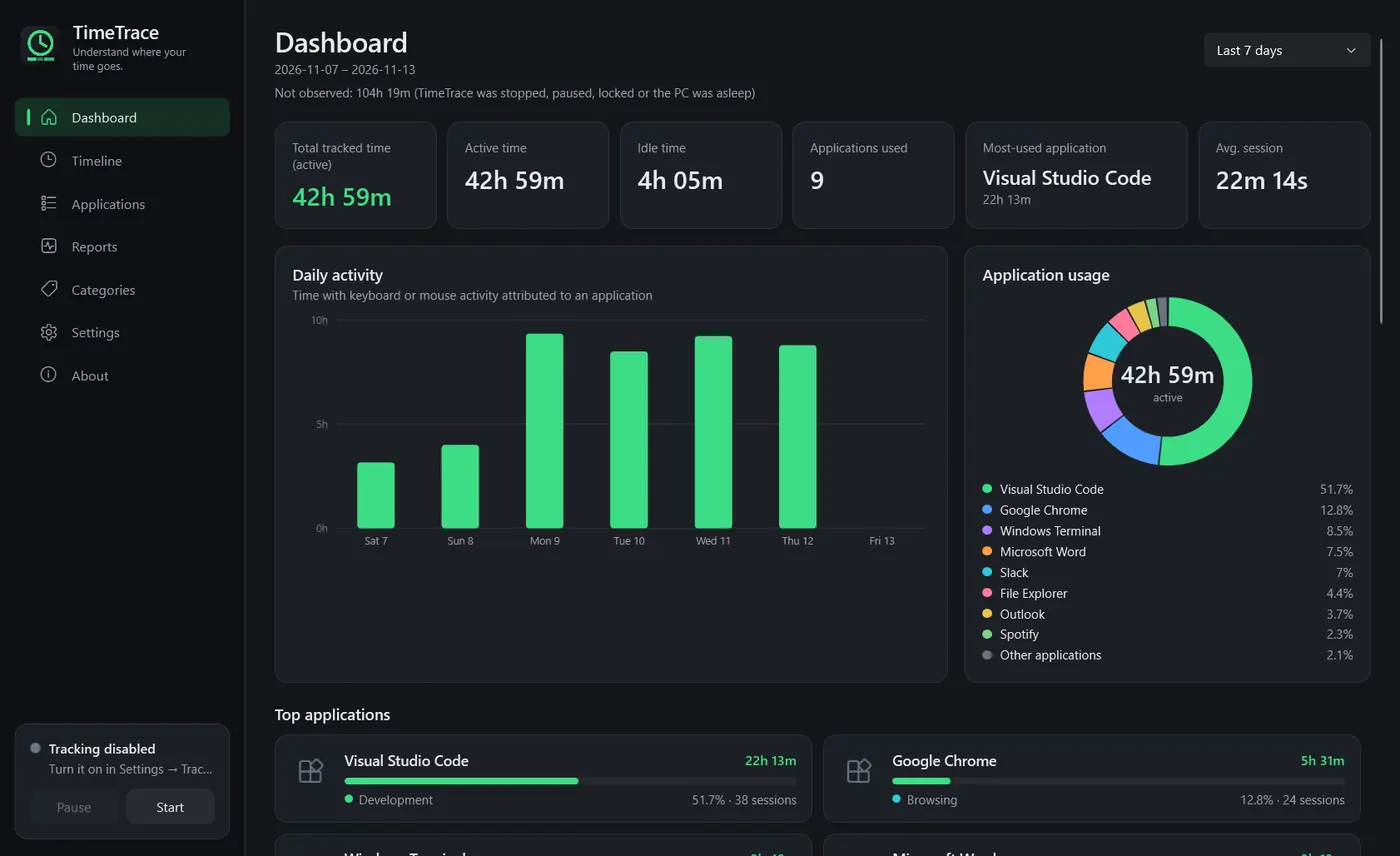
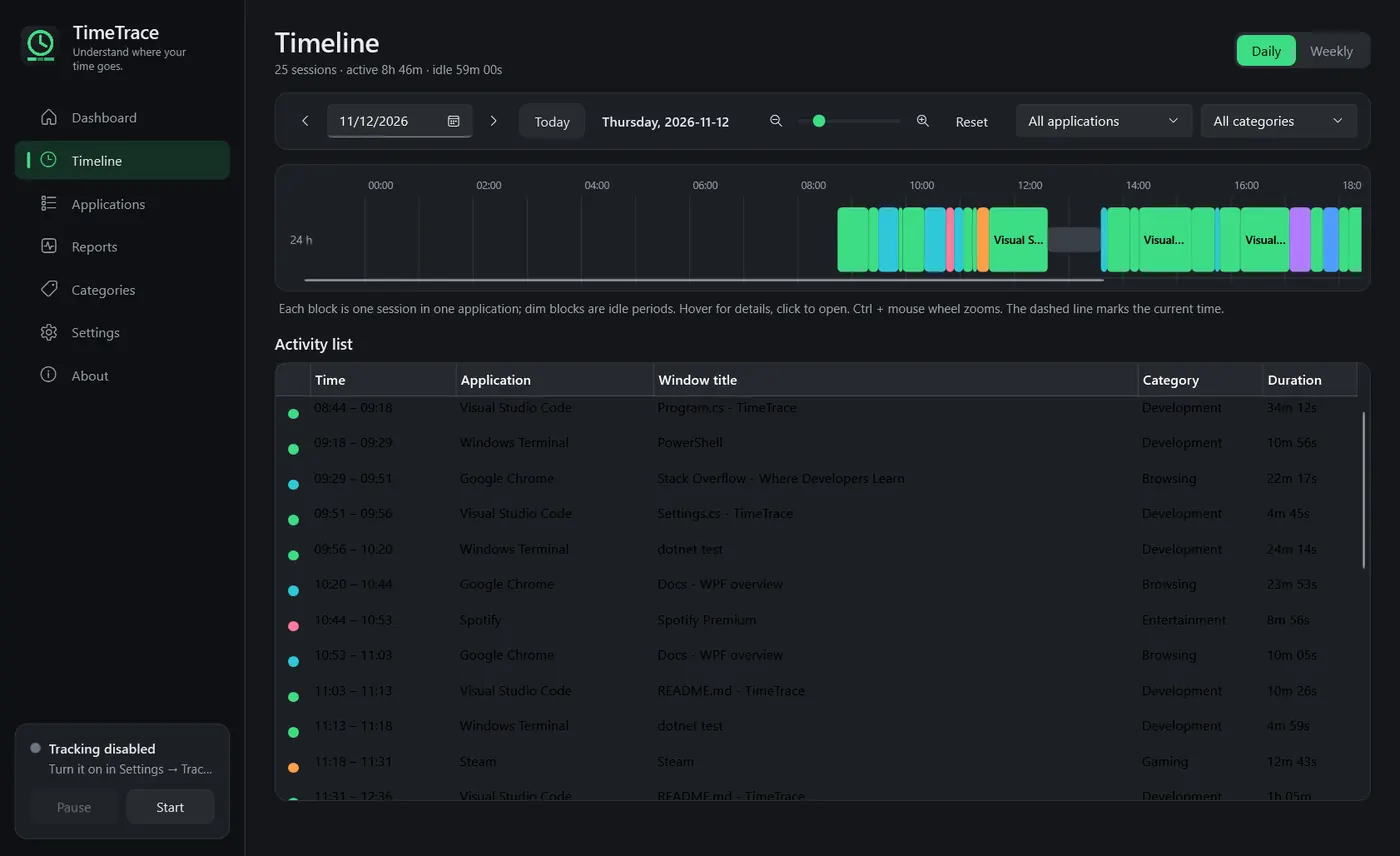
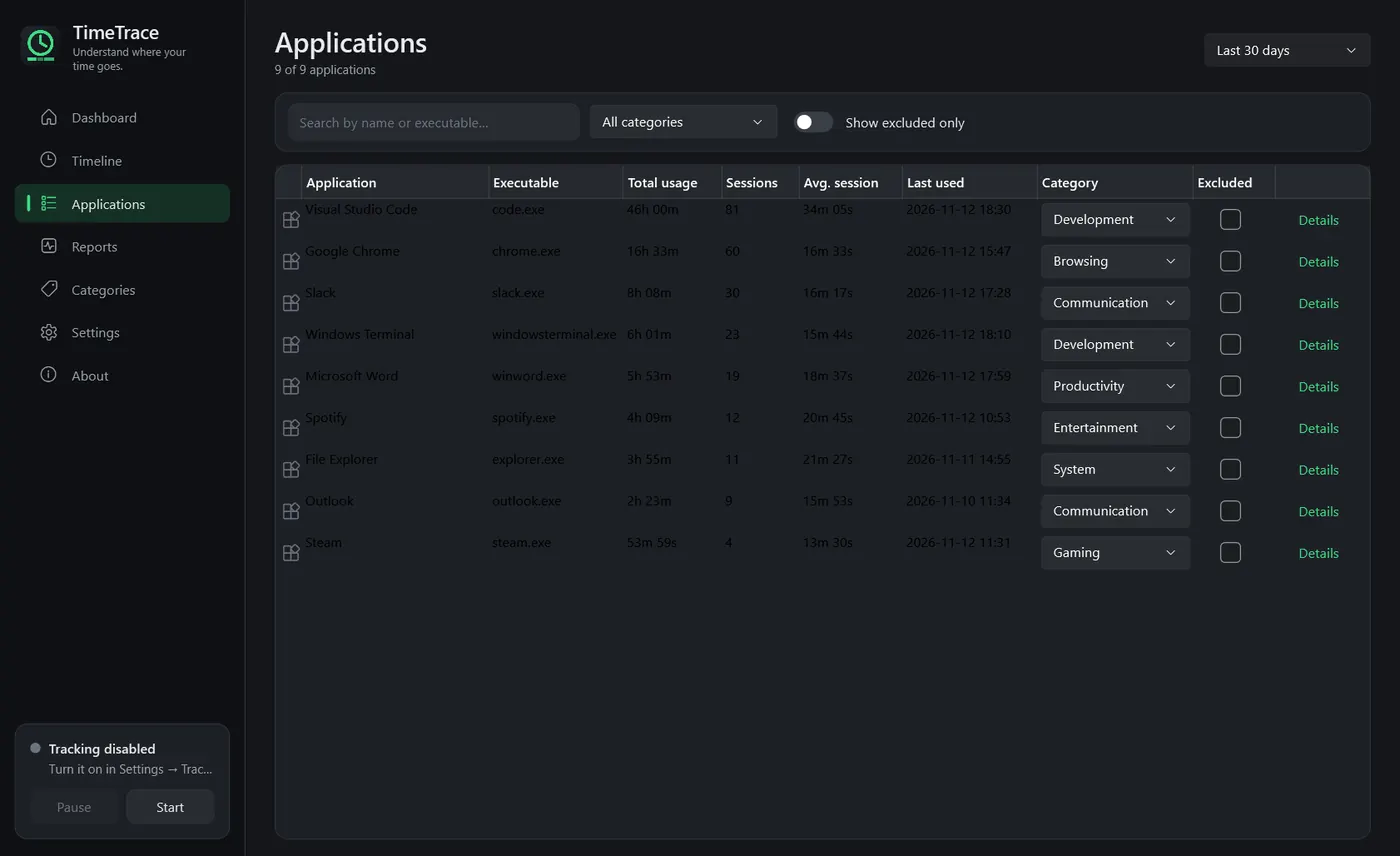
Installation and usage instructions are in the project README on GitHub.
Taken from the repository description.
v1.0.0 · 2026-11-13 · TimeTrace.exe, TimeTrace_Setup.exe
Notes of the latest release (v1.0.0), from GitHub:
First public release. Understand where your time goes.
- TimeTrace_Setup.exe – installer (per-user, no admin rights, no tracking or startup entry without your consent) - TimeTrace.exe – portable single-file executable (self-contained, no .NET install needed)
Windows 10/11 x64. All data stays on your computer. Binaries are not code-signed, so SmartScreen may warn. See the README for features and known limitations.
Windows fan monitoring and opt-in, verified fan control for the Gigabyte Z370 AORUS Gaming 7 (WPF, .NET 8, LibreHardwareMonitor, SQLite). Read-only by default.
Windows desktop app to switch DNS providers safely, benchmark resolvers, manage DNS profiles and troubleshoot DNS. WPF / .NET 10, local-only, no telemetry.
Unupunct's MacOS menu-bar utility hub. macOS 13 and later should open it.