MacAudioOo
Native macOS mixer, recording studio and DJ app: per-app volume, 10-band EQ, multitrack 24-bit WAV recording and 2/4-deck DJ with BPM sync.
Windows podcast console for 8 USB mics and 8 USB headphones.
Windows podcast console for 8 USB mics and 8 USB headphones: per-channel DSP, headphone mixes, drift-corrected multi-device WASAPI, crash-safe multitrack recording, soundboard, music ducking, talkback.
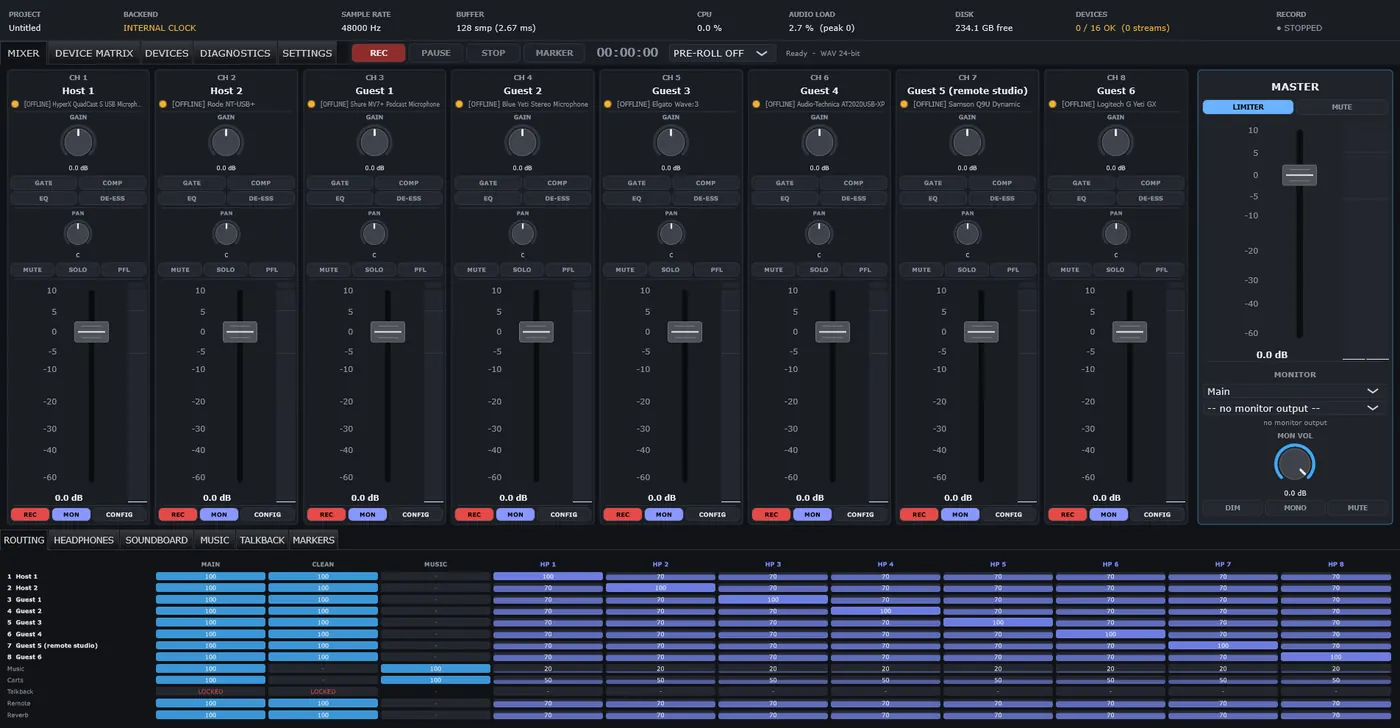
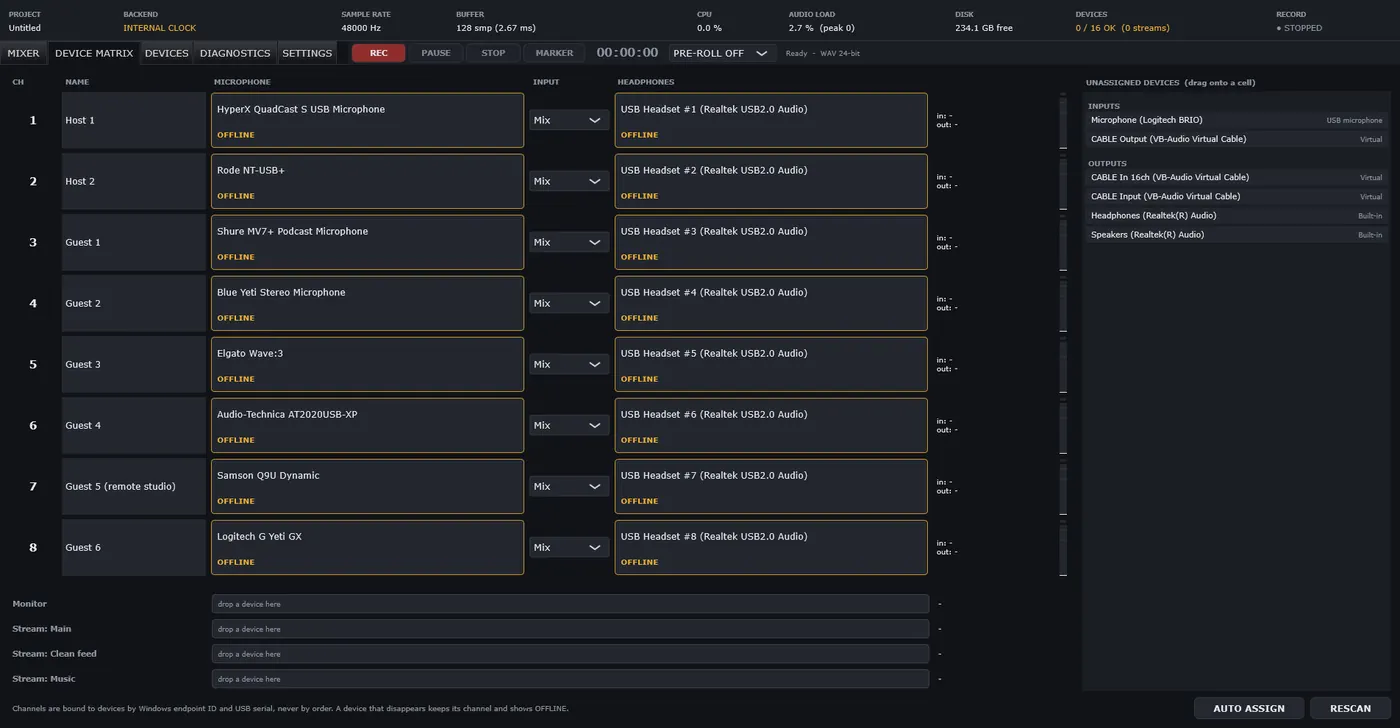
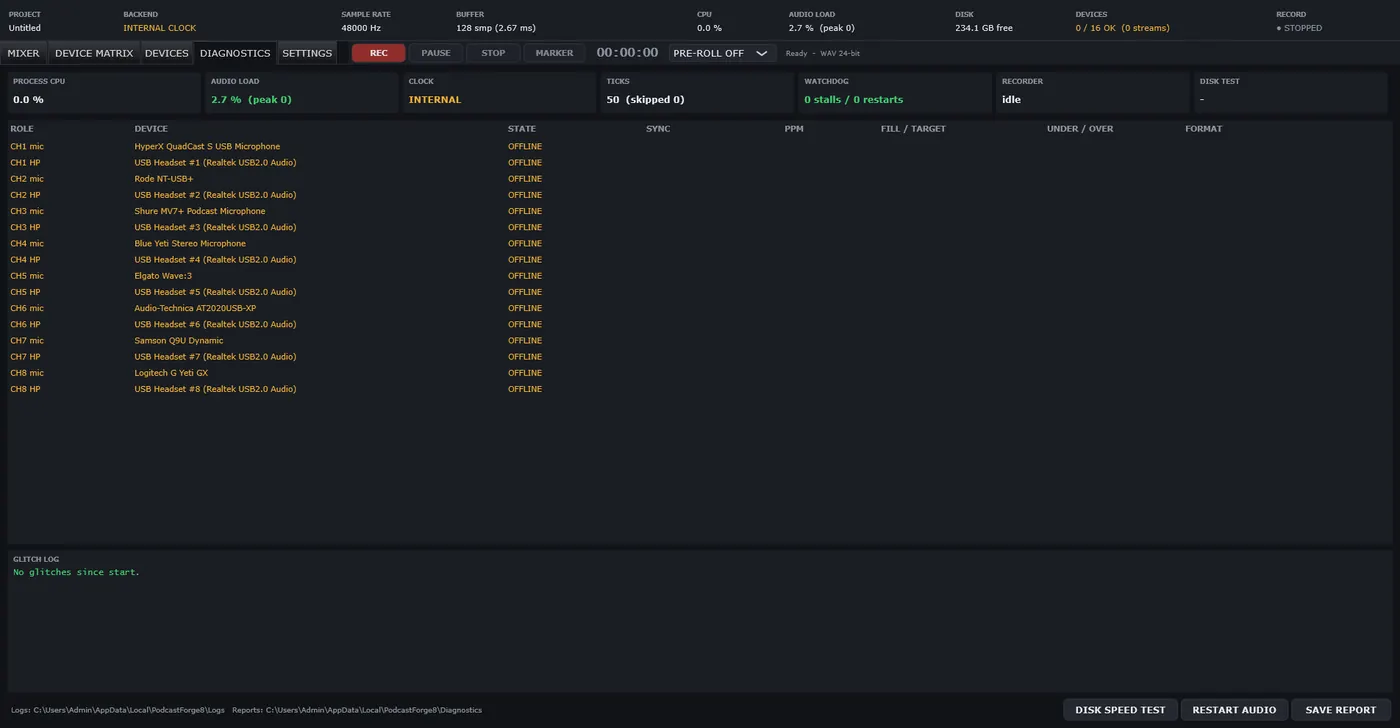
Installation and usage instructions are in the project README on GitHub.
Taken from the repository description.
v1.2.0 · 2026-10-14 · PodcastForge8-1.2.0-Setup-x64.exe, PodcastForge8-1.2.0-x64.zip
Notes of the latest release (v1.2.0), from GitHub:
Better-sounding shows, easier to run: automixer, loudness meter, MIDI / Stream Deck control, and mics that join mid-show are recorded.
What's new
- Automixer (AUTOMIX tab). Whoever is talking stays at full level; the other mics turn down to an adjustable floor (−30 dB by default), so the mix stays clean without riding faders. It holds through pauses (no pumping) and any channel can be left out. It acts on the program mix only — the isolated tracks and the headphone mixes are never touched. Saved with the project. - Loudness meter (EBU R128 / ITU-R BS.1770) at the top of the MASTER strip, measured on Main after the limiter: short-term (large), momentary, integrated and loudness range, coloured against your target — −16 LUFS by default, or −14, −19, −23, −24 from its menu. Integrated loudness restarts with each recording. - MIDI controllers (Settings → MIDI & Stream Deck). Press LEARN, then press a button or move a fader: record / stop / pause / marker, talkback, cough, carts 1–24, channel and master faders, mutes and the automixer. Faders pick up smoothly (no level jumps), 14-bit Mackie-style motor faders work, and button LEDs and motor faders follow the app. A controller plugged in mid-show is picked up within 2 seconds. Controllers are only opened while a mapping exists, so a DAW on the same PC keeps them otherwise. - Stream Deck through global F13–F24 hotkeys or a MIDI plugin — see [docs/MIDI.md](https://github.com/unupunct/Podcast-Forge-8/blob/
Native macOS mixer, recording studio and DJ app: per-app volume, 10-band EQ, multitrack 24-bit WAV recording and 2/4-deck DJ with BPM sync.
Real-time audio visualization and video studio: 35 GPU visualizers, 60 presets, animated titles and synced MP4/WebM export up to 4K.
Free two-deck DJ software for the original Hercules DJ Console (HID).