Local Ebook Library and Research Workstation
Local ebook library and research workstation for Windows and Linux (ParrotOS, Debian, Ubuntu).
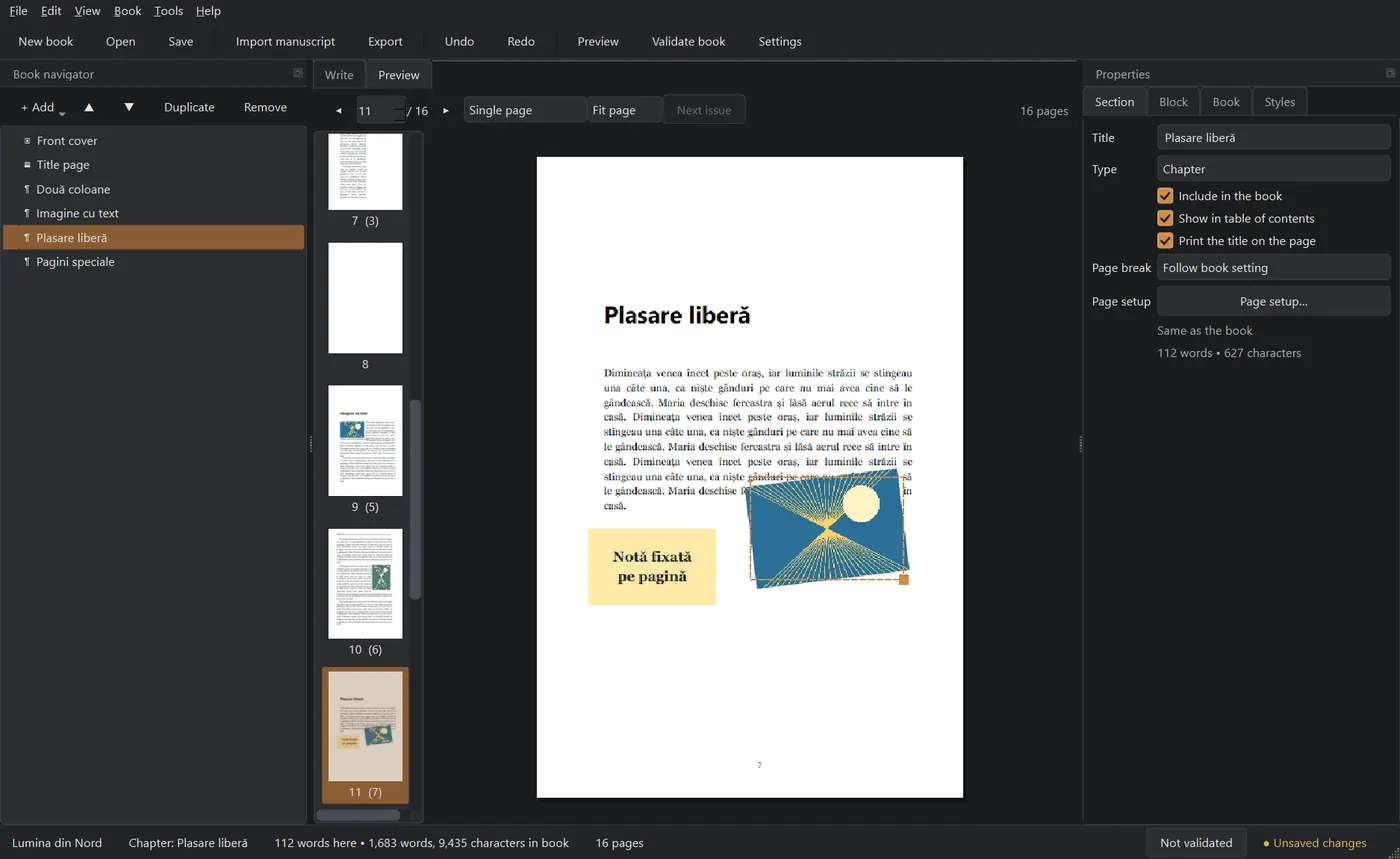
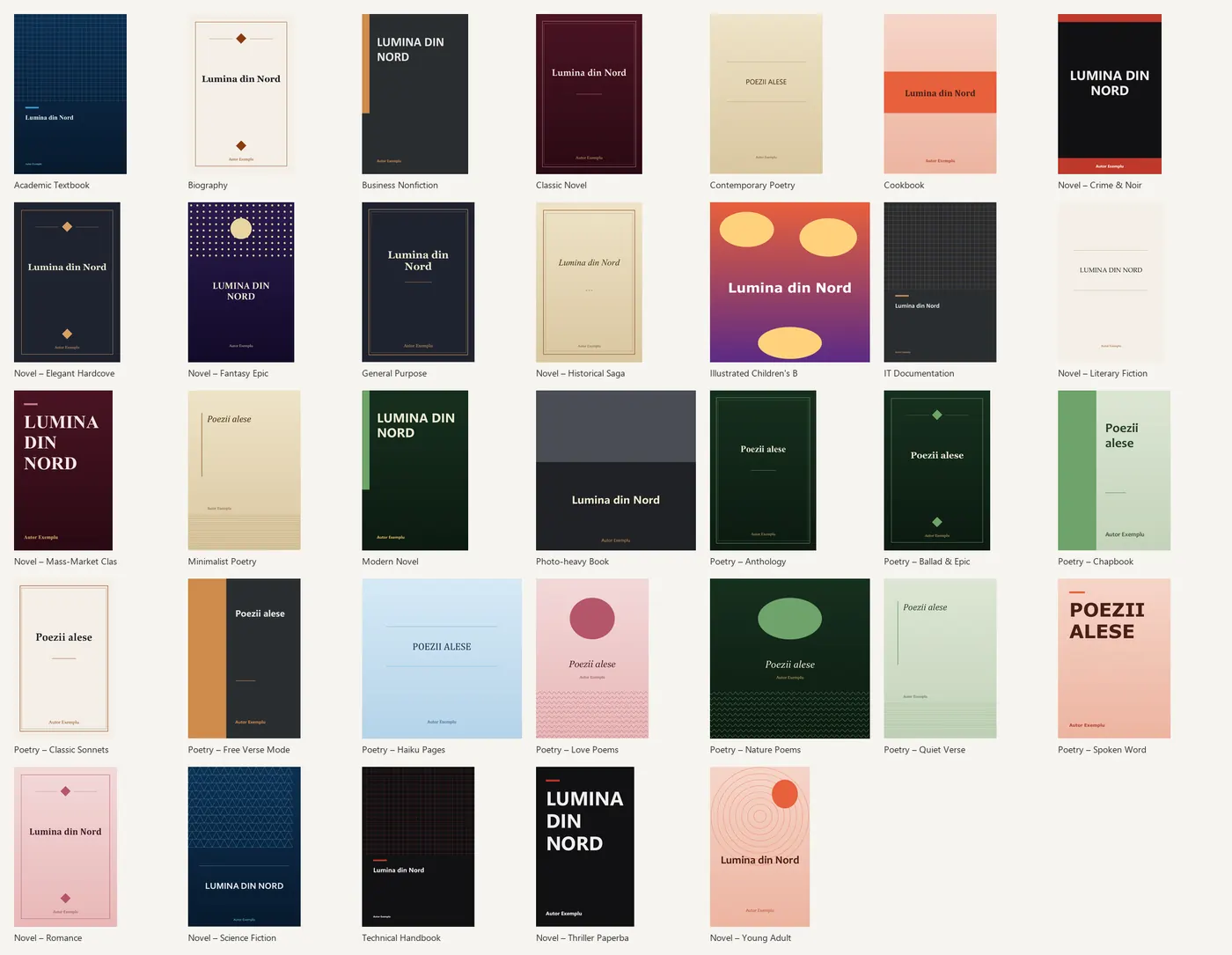
Local-first Windows desktop app that turns manuscripts into finished books: 33 templates with covers, columns and page layouts, print/screen PDF, EPUB and DOCX export.
Local-first Windows desktop app that turns manuscripts into finished books: 33 templates with covers, columns and page layouts, print/screen PDF, EPUB and DOCX export. Offline.
Installation and usage instructions are in the project README on GitHub.
Taken from the repository description.
v0.4.0 · 2026-10-16 · BookForgeStudio-Setup-0.4.0.exe
Notes of the latest release (v0.4.0), from GitHub:
BookForge Studio 0.4.0 – page layouts
Windows installer (64-bit, installs to Program Files): BookForgeStudio-Setup-0.4.0.exe. The installer is not code-signed, so SmartScreen may ask you to confirm (More info ▸ Run anyway).
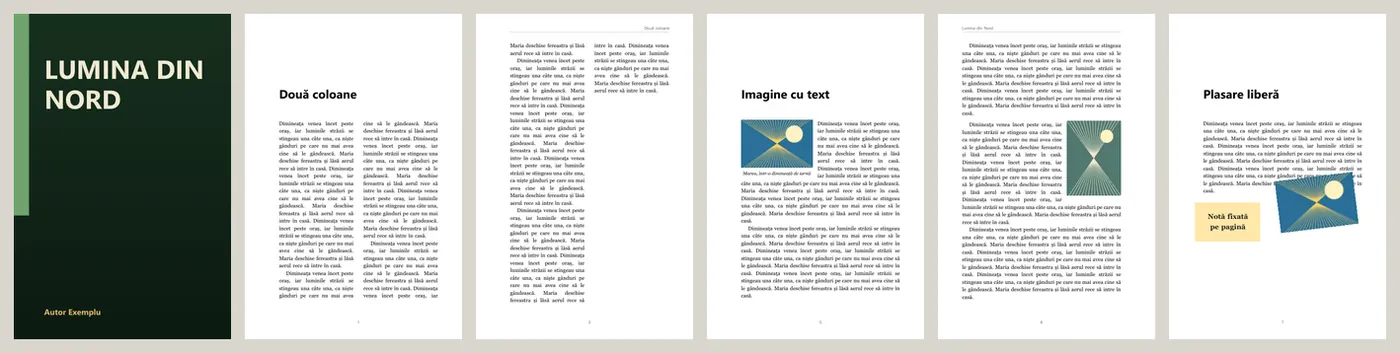
New - Per-section page setup – columns (1–4), own margins and own page size for any section (Section tab ▸ Page setup…). - Floated images – text wraps beside the image; pinned images and text boxes at an exact spot of the page. - Edit on the page – drag, resize and nudge pinned items right in the preview; one undo step each. - Designed pages – full-page photo with caption overlay, image beside or over text, quote page (Insert ▸ Page layout). - All of it is exported to PDF (each section may have its own page size) and kept as content in EPUB, HTML, Markdown and DOCX.
Also in this release line (since 0.3.0) - Generated labels follow the book's language (e.g. "(continuare)" in Romanian), with language detection on import. - Every one of the 33 templates has its own cover; the template library previews your own text. - Screen PDF for phone, tablet or computer, with a dark-pages option.
Notes - See [docs/limitations.md](https://github.com/unupunct/BookForge-Studio/blob/main/docs/limitations.md) for what is not implemented. - Built on Windows 11. The automated suite (about 400 tests) passes and the packaged application passes its own end-to-end self-test. The installer itself was built from this com
Local ebook library and research workstation for Windows and Linux (ParrotOS, Debian, Ubuntu).
Privacy-first offline PDF editor for Windows: edit, e-sign (PKCS#11 tokens, .p12), organize, redact, AES-256, OCR, Office/HTML to PDF and PDF to Word/Excel/PowerPoint.